
Key Highlights
- Pre-go-live preparedness necessitates actual, practical simulation in addition to in-app coaching.
- Select a DAP that measures real user competency rather than merely engagement or training completion.
- Give top priority to scalable, safe, role-based practices that don't depend on the live production system.
- Choose a platform that offers in-app advice after launch and simulation before to go-live for end-to-end adoption.
The selection of a digital adoption platform (DAP) revolves around one question: How will we assist staff in using the software once it launches?
However, what if your more pressing issue arises sooner?
What if the true query is, “How do we know our workforce is ready before go-live?” That changes the buying decision. When employees are working in a live application, a DAP can be quite helpful in offering in-app assistance, contextual help, walkthroughs, and support. However, the requirements for pre-go-live preparation are different. Users must practice workflows on actual transactions before executing in a real system.
This means that your assessment should look closely at simulation capability, practical experience, competency measurement, scalability, data privacy, and the capacity to develop training before production is ready. When pre-go-live preparation is the main goal, DAP selection changes, which makes the underlying buyer’s-guide framework more crucial.
In addition to standard in-app guidance, certain top platforms now provide learning and simulation features. Therefore, the product’s label is not important. The question is whether the platform can genuinely demonstrate that employees are prepared before the system becomes essential to business operations. Here’s how to assess it.
What Is the Purpose of a Digital Adoption Platform?
Fundamentally, a digital adoption platform facilitates more efficient software utilization. Traditional DAP features include tooltips, step-by-step instructions, contextual prompts, self-help menus, announcements, and in-app assistance. The concept is straightforward: the appropriate help shows up where the job is being done rather than requiring an employee to exit the application, go through documentation, or get in touch with the help desk.
The concept is straightforward: the appropriate help shows up where the job is being done rather than requiring an employee to exit the application, go through documentation, or get in touch with the help desk. That continues to be one of the best applications for DAP tools. After go-live, these features are especially helpful when employees try to finish real work while navigating new interfaces and procedures. And that difference is important.
The Dependency on Live Systems
Conventional in-app advice operates through user interaction with an application. To provide appropriate assistance, the DAP must be aware of the user’s location, the screen they are viewing, and the actions they are taking. That’s perfect when the application is live. It becomes less beneficial when preparing employees before the production environment is available.
Why Pre-Go-Live Readiness Is a Distinct Need?
It takes more than just finishing training to be pre-go-live ready. It concerns people’s ability to do the task. When confronted with an unfamiliar interface, an unexpected problem, or a workflow that spans numerous applications, users may be able to comprehend a process during a presentation but still hesitate. They should have the chance to experience those circumstances before they become significant through pre-go-live training.
The Role of Simulation
Employees can actually practice a realistic simulation of the software environment. Without interfering with production systems, they can explore workflows, click through screens, enter data, make mistakes, fix them, and repeat the process. That’s why simulation is especially useful when implementing ERP, CRM, HCM, EMR, EHR, and other significant software rollouts. Familiarity is not the only objective. It’s procedural proficiency.
For instance, Assima’s systems training platform generates interactive software simulations that mimic the real application. Training materials can be created earlier in the rollout since its platform can record applications before the production environment is finished. Additionally, this is a crucial point for customers: in-app instruction and simulation are complementing features rather than inherently rival categories. The most effective adoption strategy could resemble this:
- Before go-live: simulation → practice → assessment → competency
- At go-live: in-app guidance → point-of-need support
- After go-live: analytics → targeted reinforcement → continuous improvement
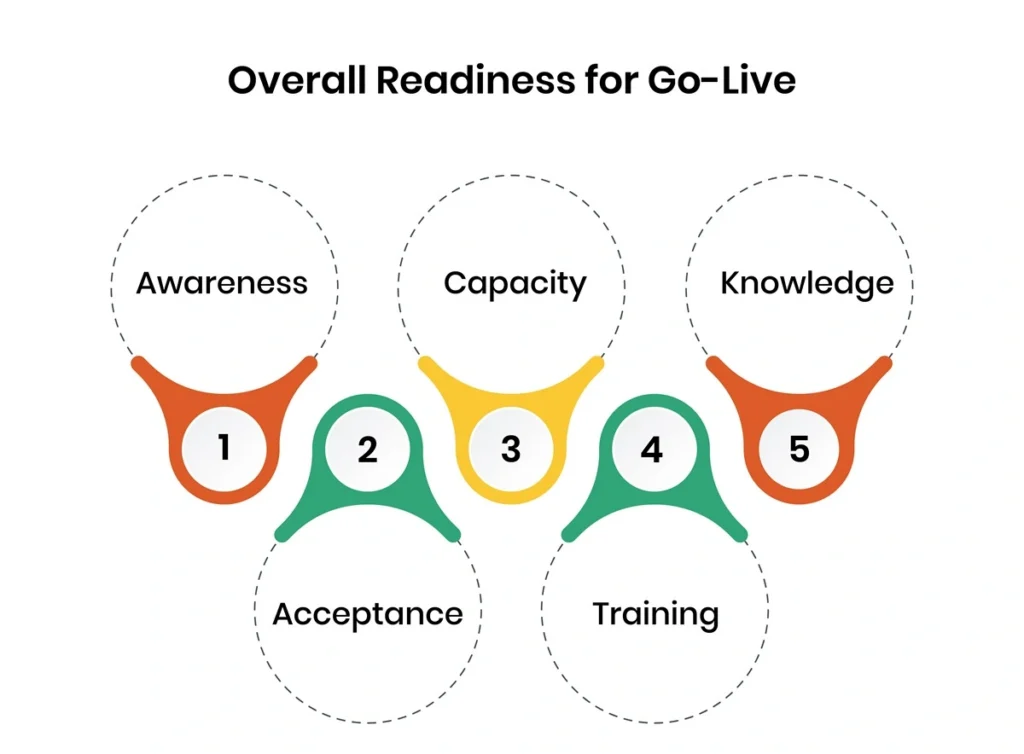
The Seven Considerations for Selecting a DAP for Pre-Go-Live Preparedness
1. Works without the Live System
The first thing you should ask is whether users can practice before the production system is stable or ready. The availability of the application is a prerequisite for traditional in-app instruction. Choose a platform that can generate realistic training from a staging or pre-production environment for a pre-go-live program. Instead of waiting for the finished system, this enables training to advance concurrently with implementation.
2. Offers Practical & Realistic Experience
Videos, images, and detailed instructions are not enough to ensure pre-go-live readiness. It should be possible for users to enter data, navigate workflows, interact with a realistic replica of the program, and make mistakes without risk. Employees are more likely to be ready for the production system if the practice environment is more similar to the actual workflow.
3. Access Real Proficiency
Completing training does not guarantee readiness. Seek for tools that measure errors, attempts, pass rates, workflow performance, and competency by role. With this, program managers can see who is prepared for launch and where more practice is required. The aim is to transition from “Who completed training?” to “Who can successfully perform the job?”
4. Protects Practice Data
Unnecessary data or regulatory concerns shouldn’t be introduced during pre-go-live training. Verify whether the platform offers secure or anonymized training data, especially when workflows involve health, employee, financial, or customer data. An effective simulation technique should replicate the experience that consumers require without needlessly exposing them to private production data.
5. Facilitates Role-Based Education
The same workplace program is used in very diverse ways by various employees. A manager, salesperson, or operations staff member can require entirely different procedures than a financial user. You should be able to design role-specific learning paths and scenarios with the platform so that staff members can practice the jobs they will really execute after go-live during their preparation period.
6. Adapts to Huge Workforces
A solution that is effective for 50 students might not be as effective for 5,000. Find out how many people can practice at once and whether more infrastructure, IT assistance, or sandbox environments are needed for large-scale training. Without setting up a distinct training environment for each student, organizations can use simulation to give practical experience at scale.
7. Continues After Go-Live
Pre-go-live preparedness is the beginning, not the end. Employees will still require assistance with new features, unfamiliar procedures, and infrequently utilized workflows after the system opens. Your platform should ideally allow in-app guidance after go-live and simulation before to go-live. This can lessen the need to manage distinct tools for planning and continuing assistance and establish continuity across the adoption lifecycle.
How Are the Principal Methods Comparable?
It is no longer true to state that any DAP is only a post-go-live tool because the market is evolving. This adds complexity to the purchasing choice. The conclusion is not that one category will always prevail. The platform that best suits your real priorities is the correct one.
| Capability | Traditional DAP focus | Simulation-led approach |
| In-app guidance | Strong | Strong when included |
| Live-system support | Strong | Strong when included |
| Pre-go-live practice | Limited unless simulation is available | Core capability |
| Hands-on workflow practice | Usually guidance-led | Functional simulation |
| Competency assessment | Adoption/usage analytics | Workflow and performance assessment |
| Practice without production | Depends on product | Core requirement |
| Anonymised training data | Depends on implementation | Important capability |
| Role-based learning | Common | Important for readiness |
| Sandbox dependency | May vary | Can be reduced or eliminated |
| Post-go-live support | Strong | Strong when combined with DAP capabilities |
In-app guidance can be just what you need if your primary issue is assisting employees in navigating a live application. Simulation should be given far more weight in the evaluation if your greatest risk is that employees will go live without having enough practical experience. Additionally, search for a platform that can handle both phases if you require both.
What DAP Should You Select?
There isn’t a single “best DAP.” There is only one that best suits the issue you are attempting to resolve. Look for a platform that can:
- Build training before production is complete
- Provide realistic, hands-on software practice
- Let users safely make mistakes
- Measure competency rather than simple completion
- Support anonymised or synthetic training data
- Deliver role-specific learning paths
- Scale across large workforces
- Continue supporting employees after go-live
Assima’s systems training platform is created using such perspective. For pre-go-live practice, it makes use of interactive, editable application simulations. With Assima In-App Search, it can expand into post-go-live assistance.
Additionally, Assima offers customer benefits such as training cost reductions of up to 70% and potential savings of $600,000–$3 million when organizations lessen their dependence on training sandboxes. These should be compared to your own rollout economics since they are Assima-reported customer data points rather than industry-wide standards.
How Assima turns your live applications into a rehearsal your team masters before launch.
Frequently Asked Questions
Let’s Answer Some of Your Questions.
Give top priority to a platform that monitors user proficiency, safeguards training data, facilitates role-based learning, supports realistic simulation prior to the live system's availability, grows to big teams, and offers post-go-live coaching.
On a live application, a DAP usually offers in-app support like walkthroughs and contextual assistance. Simulation is more appropriate for developing pre-launch competency since it produces a realistic replica for practical experience prior to go-live.
It depends on the platform. Conventional DAPs have limited pre-go-live usage since they depend on the live application. Before production is available, employees can practice workflows and show their expertise using platforms that include simulation features.
Independence from the live system, practical hands-on practice, competency evaluation, safe or anonymized data, role-based learning, scalability, and ongoing in-app assistance after go-live are the seven main criteria to look for in a DAP.
Not always, but they deal with various phases. While in-app coaching assists users after go-live, simulation assists staff in developing and demonstrating expertise before to launch. The whole adoption lifecycle can be covered by a platform that provides both.